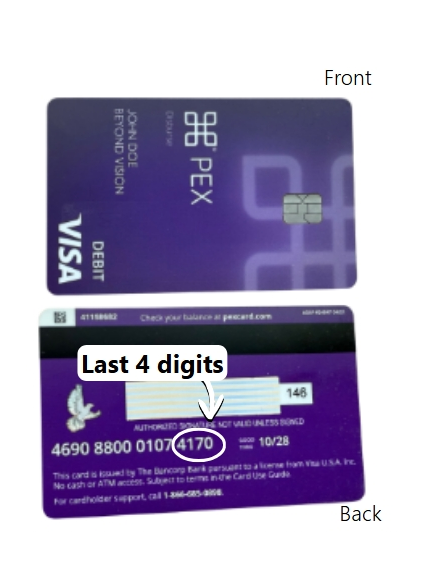

✔ No cash access.
You may not use your Card to get cash from an ATM, get cash back from a purchase, or by any other means, regardless of whether you have set a PIN.
✔ No card loading.
You may not load funds to the Card. The program sponsor is responsible for the card balance.
✔ Check your Card balance.
It’s important to know the Card available balance before making any transaction. You can check your balance at any time by calling 1-866-685-0898, using the PEX mobile app, or visiting dashboard.pexcard.com.
✔ 24/7 Customer service.
We’re here to help. If you have any questions or need to report a card lost or stolen, call us at 1-866-685-0898.
✔ Credit or debit?
You can choose either “Credit” or “Debit” for your purchase. Some merchants may prompt you to enter a PIN. If you do not have a PIN, tell the cashier you want to make a signature or “Credit” purchase.
✔ Select your PIN
Your Card does not have a PIN assigned. You can set a PIN by registering your Card at pexcard.com/register.
Questions about your PEX Card?
Call PEX at 1-866-685-0898.